

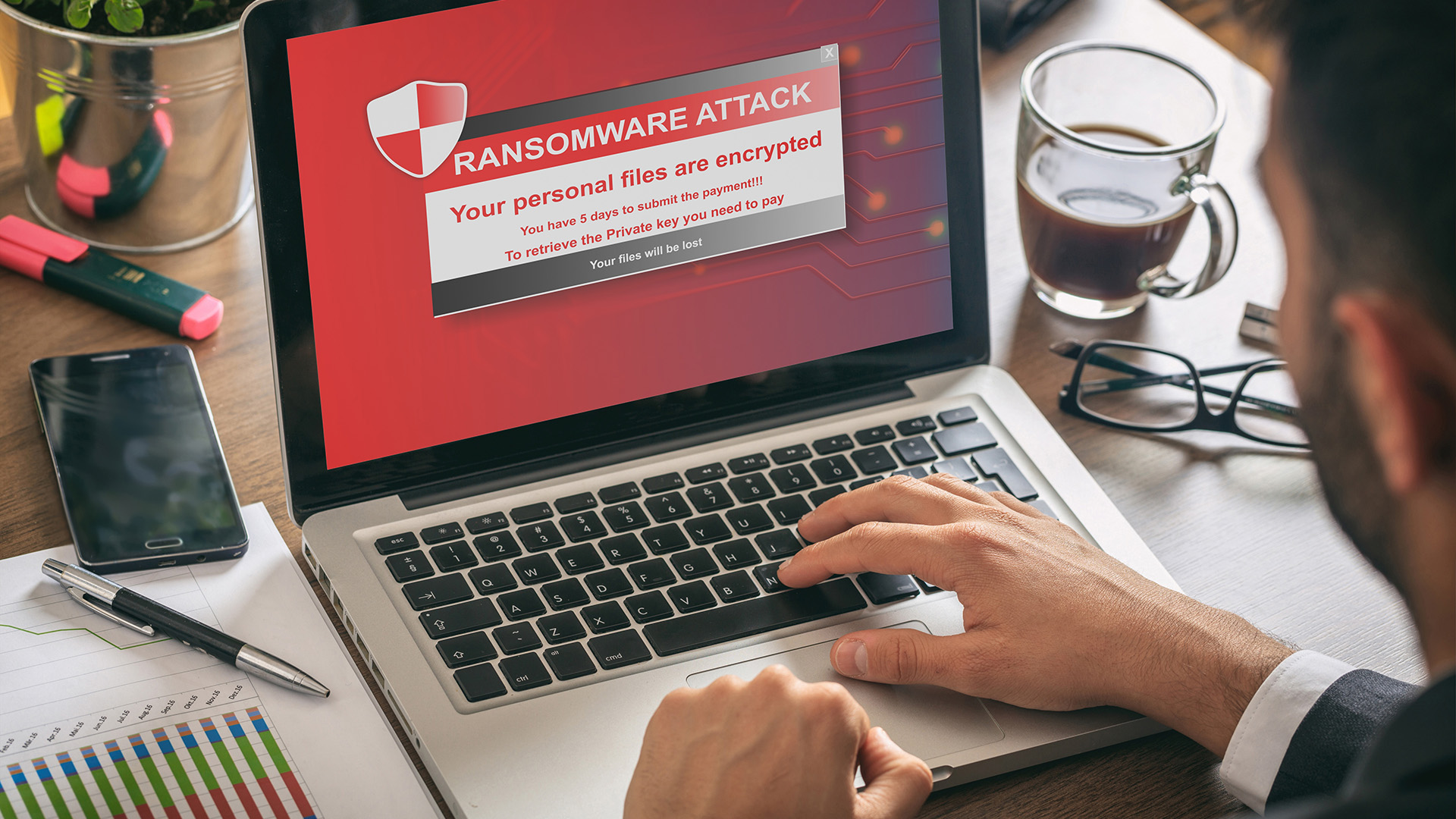
When your phone, tablet, or laptop suddenly locks up and a demand for payment flashes on the screen, it can feel like a personal crisis. Here’s a homeowner-friendly guide to getting back in control—step by step.
How Ransomware Sneaks In:
- Phishing links or attachments in unexpected emails or texts.
- Fake software updates that install malware instead of fixes.
- Malicious ads on free app sites or streaming platforms
Immediate Actions to Take
- Disconnect Right Away: Turn off Wi-Fi or pull the network cable to stop the infection spreading.
- Don’t Click or Pay: Ignore the ransom message—there’s no guarantee of getting your data back.
- Alert Someone You Trust: Call a tech-savvy friend or a local computer-repair service before you touch anything else.
- Document the Attack: Take photos of the ransom note and error screens for reference.
Recovering Your Files
- Check Your Backups: Plug in any external hard drives or USB sticks where you’ve saved backups. If you use a cloud service (Google Drive, iCloud), see if your files can be restored to a point before the attack.
- Use Free Decryption Tools: Some ransomware strains have publicly released unlockers—search online for your specific file extension.
- Reinstall Your System: As a last resort, wipe the device and reinstall the operating system, then copy back your clean backups.
Protecting Your Money and Identity
- Monitor Your Accounts: Log in to your online banking (or app) as soon as you can—watch for any odd charges.
- Change Passwords: After you’ve recovered, reset passwords on financial and email accounts from a different, clean device.
- Enable Alerts: Turn on text or email alerts for large transactions so you’re notified of anything unusual right away.
Who to Call for Help
- Local Computer Repair Shop: Look for certified technicians with malware-removal experience.
- Tech-Support Hotlines: Many antivirus vendors offer free or low-cost support lines.
- Your Credit Union’s Fraud Department: If you think any banking info was exposed, let them know so they can watch for suspicious activity.
By acting quickly—cutting off the network, using clean backups, and enlisting expert help—you’ll minimize downtime, protect your personal data, and keep your finances safe.