

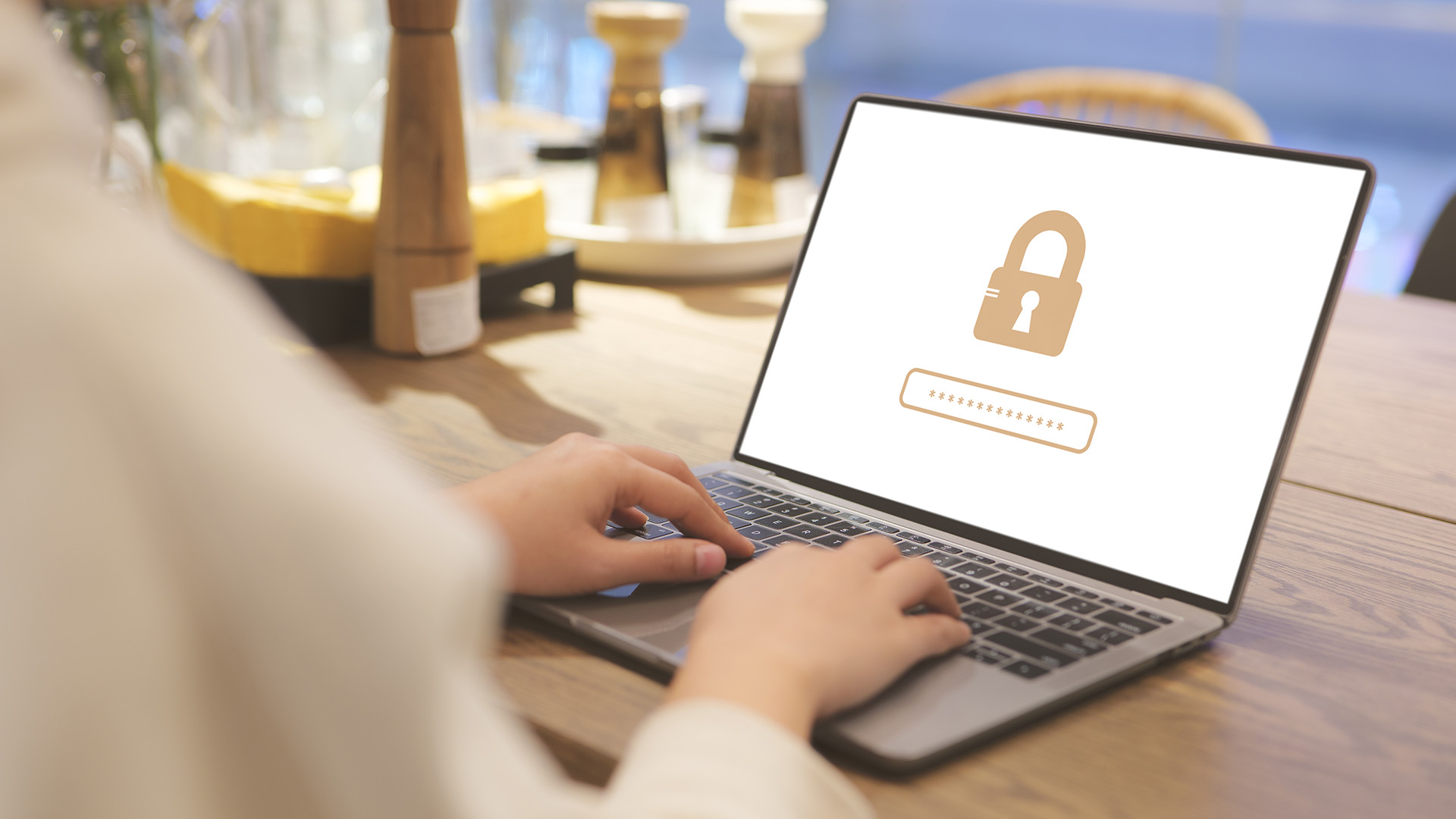
When you’re out and about—at a café, airport, or hotel—you might connect to public Wi-Fi to check your email or bank account. But open networks can put your personal and financial information at risk. Follow these simple steps to stay safe on public Wi-Fi .
What Is Public Wi-Fi Risk?
Public Wi-Fi is an internet connection shared by anyone nearby. Because it’s open, hackers can sometimes see what you’re doing—like passwords, account numbers, or private messages—if you’re not careful.
Why Should You Care?
Protect Your Money and Accounts
On an unsecure network, a cybercriminal could see your login details for your mobile apps or online banking and access your accounts.
Keep Your Personal Info Private
Hackers can steal your email, photos, or other sensitive data when it travels over an open hotspot.
How to Stay Safe on Public Wi-Fi
- Use a VPN (Virtual Private Network)
- A VPN encrypts (scrambles) your internet traffic, so others on the same network can’t read it.
- Create a Personal Hotspot
- If your phone plan allows it, use your mobile data to make a private Wi-Fi hotspot.
- This is usually safer than public networks because only your devices can join.
- Stick to “HTTPS” Websites
- Look for a padlock icon in your browser’s address bar.
- HTTPS means the site encrypts data you send and receive.
- Forget the Network When You’re Done
- On your device, choose “Forget This Network” so it won’t auto-connect next time.
- This stops you from accidentally using an unsafe hotspot later.
- Keep Your Apps and Device Updated
- Software updates often patch security flaws.
- Turn on automatic updates for your phone or laptop to stay protected.
By using a VPN or your own hotspot, checking for HTTPS, and keeping your device up to date, you’ll enjoy secure browsing wherever you go, while protecting accounts and personal information.